

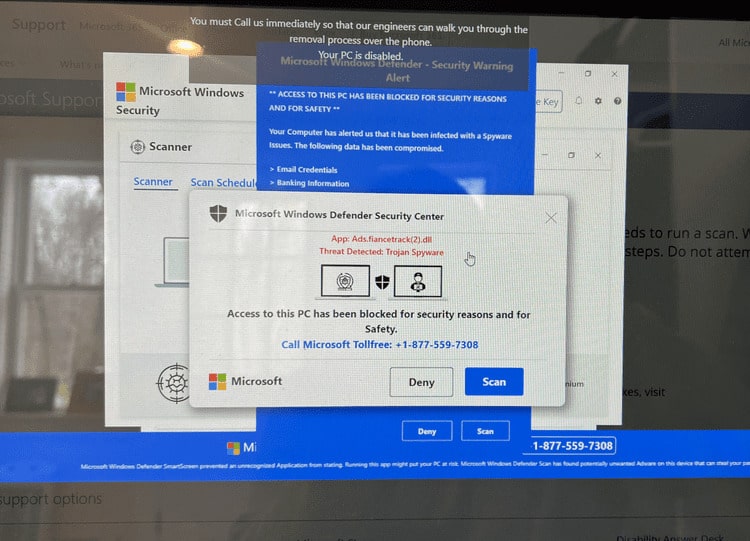
“Access to this PC has been blocked for security reasons” — DO NOT CLICK ON IT OR CALL THE #
If this happens to you—your entire computer screen is taken over with these “windows” while blaring a message to call the number—DO NOT, I repeat, DO NOT click anywhere on the screen or call the number.
Here’s the fix.
For PCs:
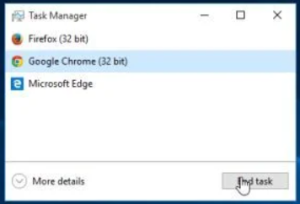 Open the “Task Manager” by pressing Ctrl + Shift + Esc.
- Find your web browser’s icon (in this case, Google Chrome) and click to highlight. Then click on the End Task button.
- Your browser window (along with this




 I never get tired of the rhythm of the seasons.